Keep every job organized by client, phase, and drawing set
Set up projects the way engineers and architects already talk about them, with job numbers, phases, sets, and sheets. Each document carries its own tasks, files, reviews, and history, and each project shows its budget and invoices next to the work.
Free for 14 days, with every feature included.
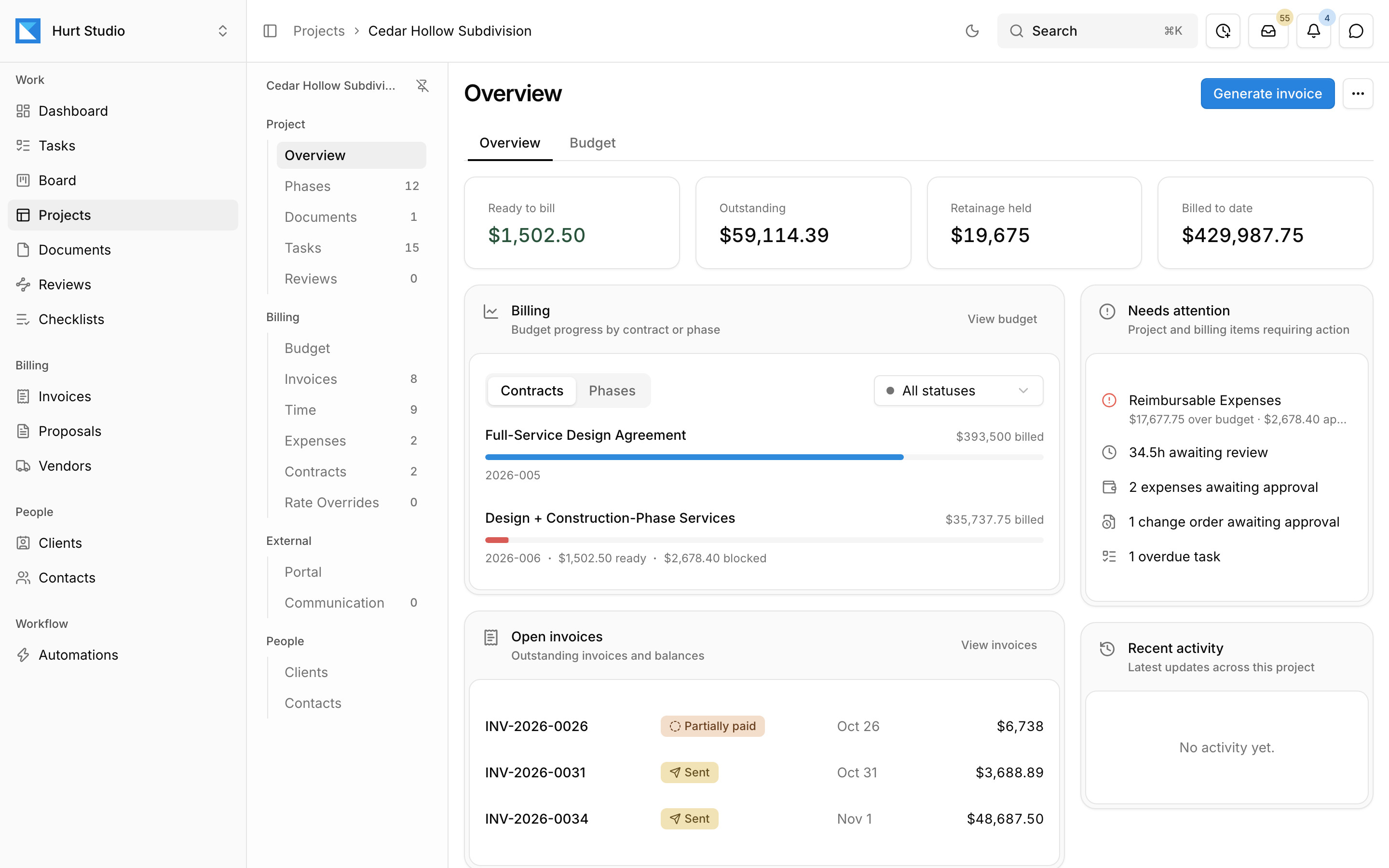
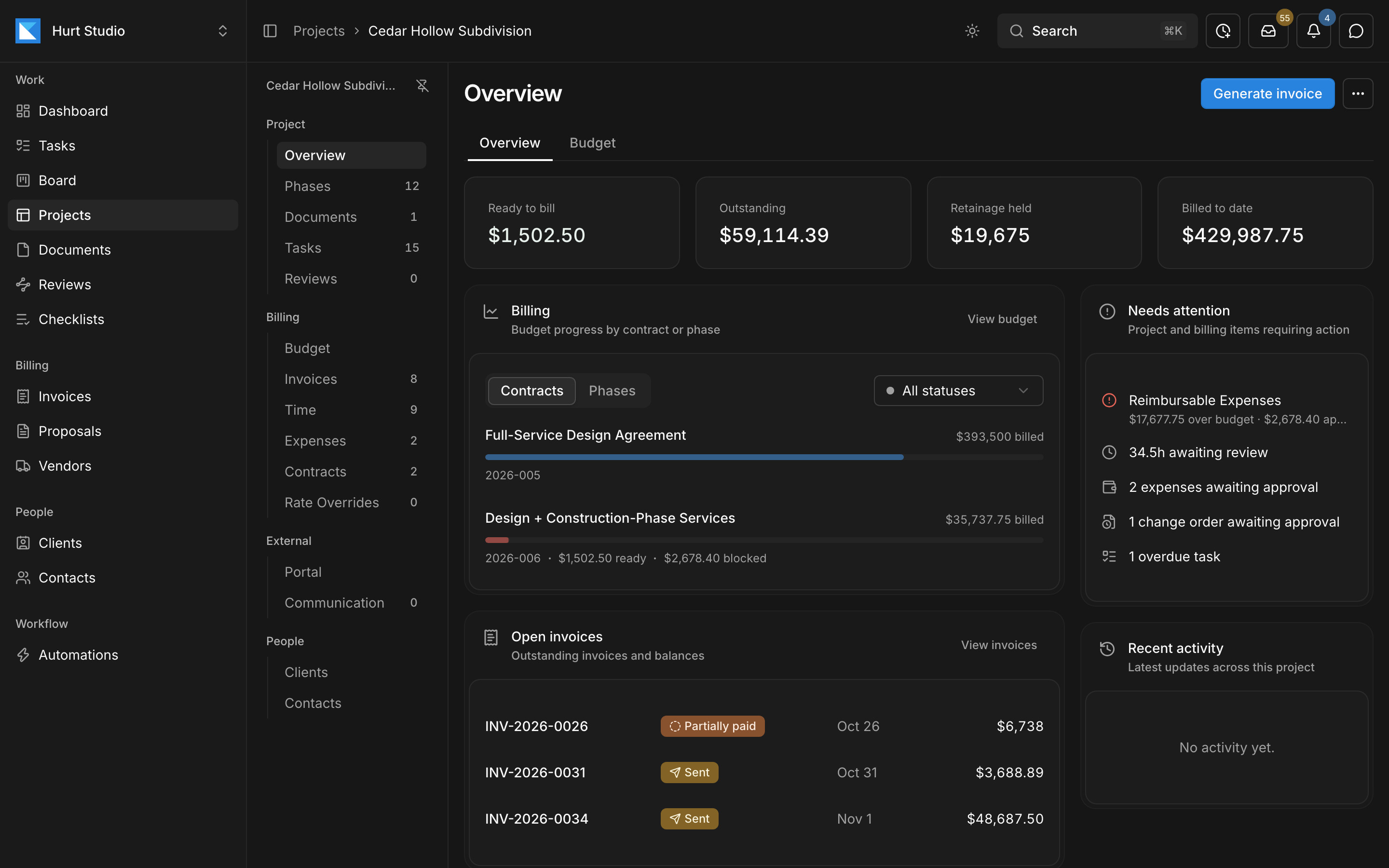
- 1Phases, documents, tasks, reviews, budget, invoices, time, expenses, and contracts are all in the project menu.
- 2Ready to bill, outstanding, retainage held, and billed to date.
- 3Items that need a decision, such as over-budget lines and hours waiting for approval.
Find out where a job stands without digging through folders and email
When a project's files sit on a shared drive, its status lives in a spreadsheet, and its decisions are buried in email, answering a simple question means checking all three. In Paradesk, the project page shows the documents, the open work, and the billing together.
Each document has its own tasks, reviews, and history
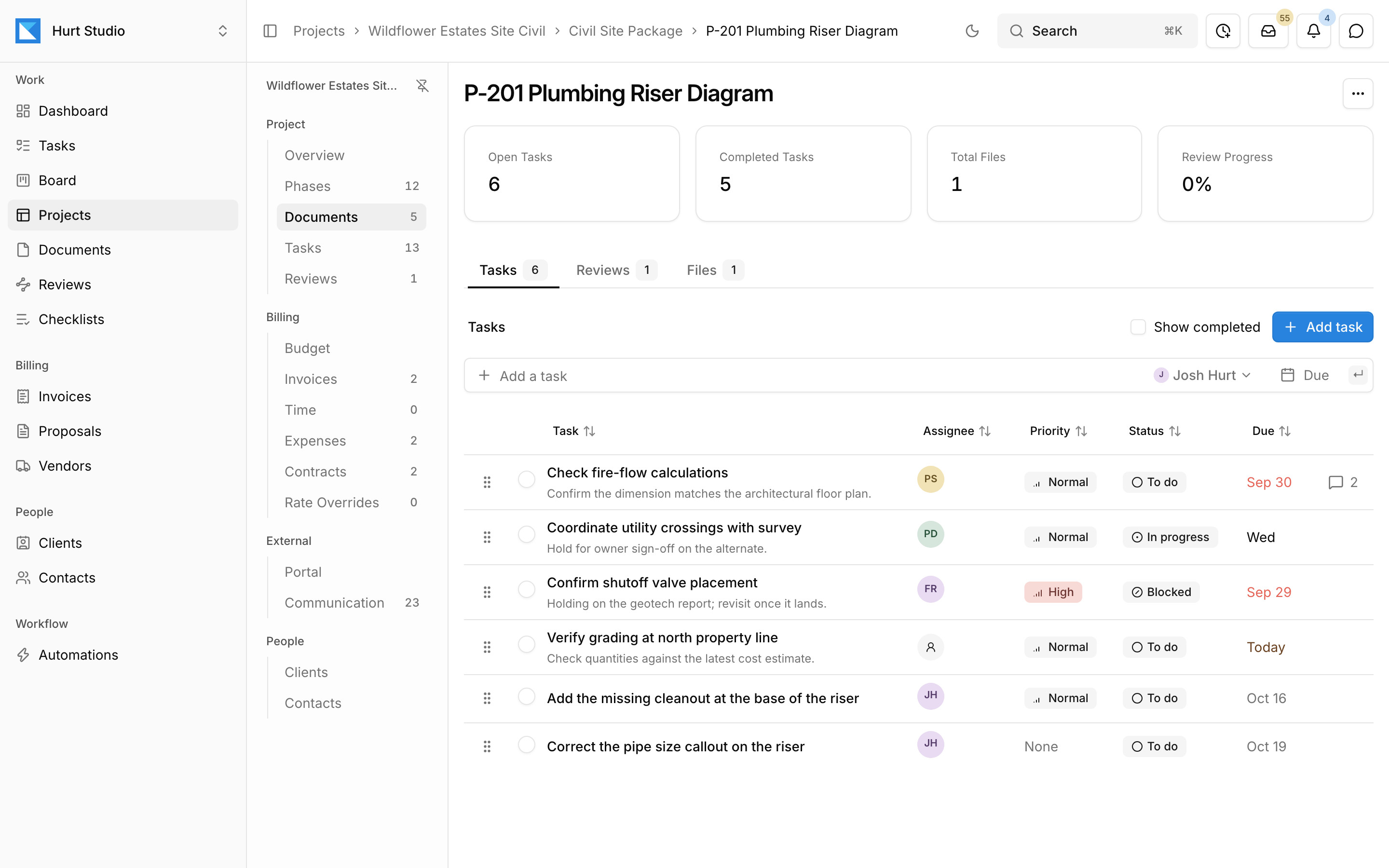
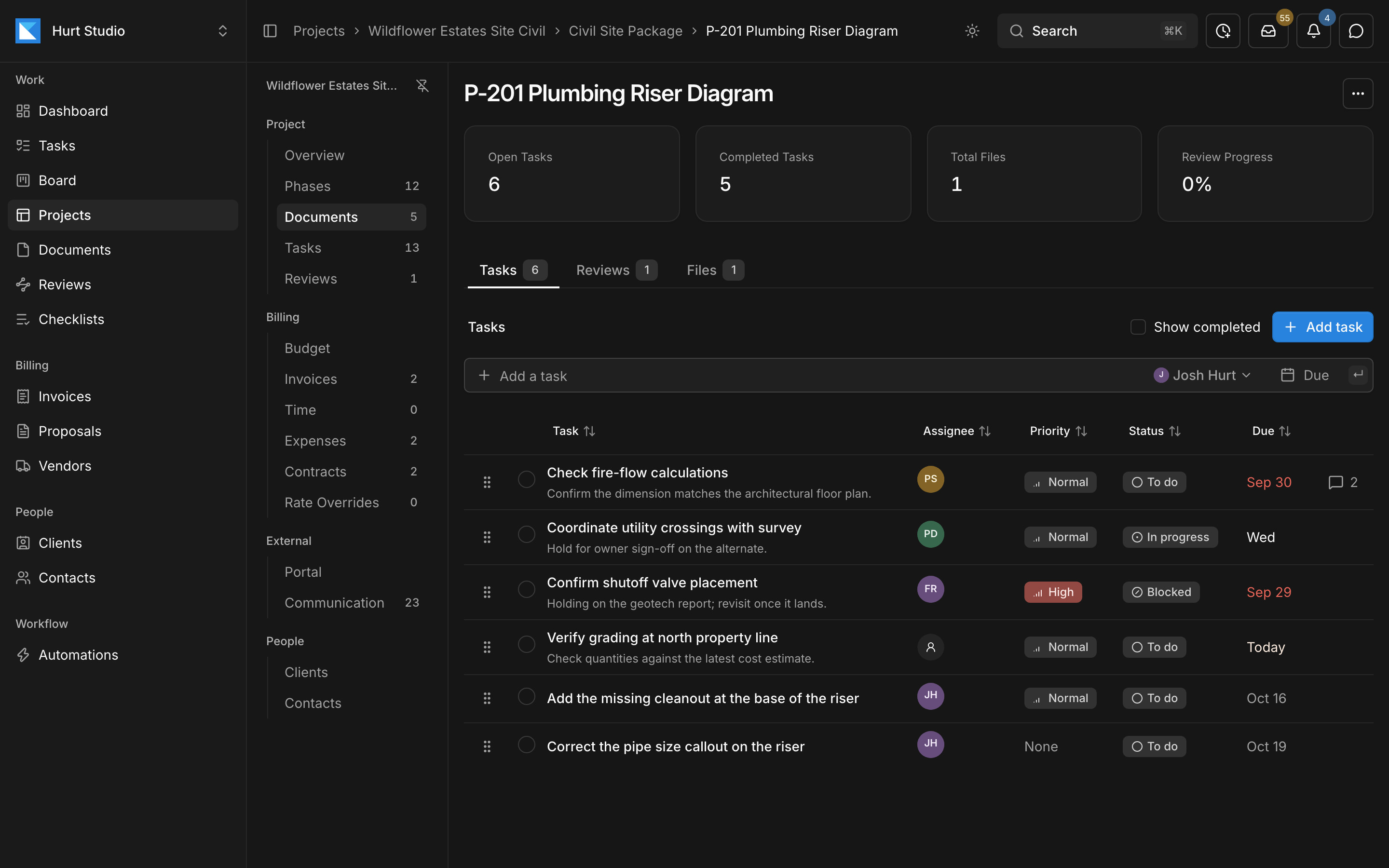
Assign tasks with a priority, status, and due date, and discuss them in comments. Any markup in a review of the document can become a task too. When you upload a revision, the earlier versions stay available.
Track every drawing and report on one board, by stage
Each card on the board is a document, such as a drawing, report, or calculation package, with its tasks, files, reviews, and history attached. Open a card to see them, and drag it to the next stage when it's ready.
Name the stages the way your office works, such as drafting, QA/QC, client review, agency review, and issued. Owners, admins, and project managers set up the stages and move documents between them. Filter the board by project, assignee, or review status, or open a project's Documents page to see its board by phase.
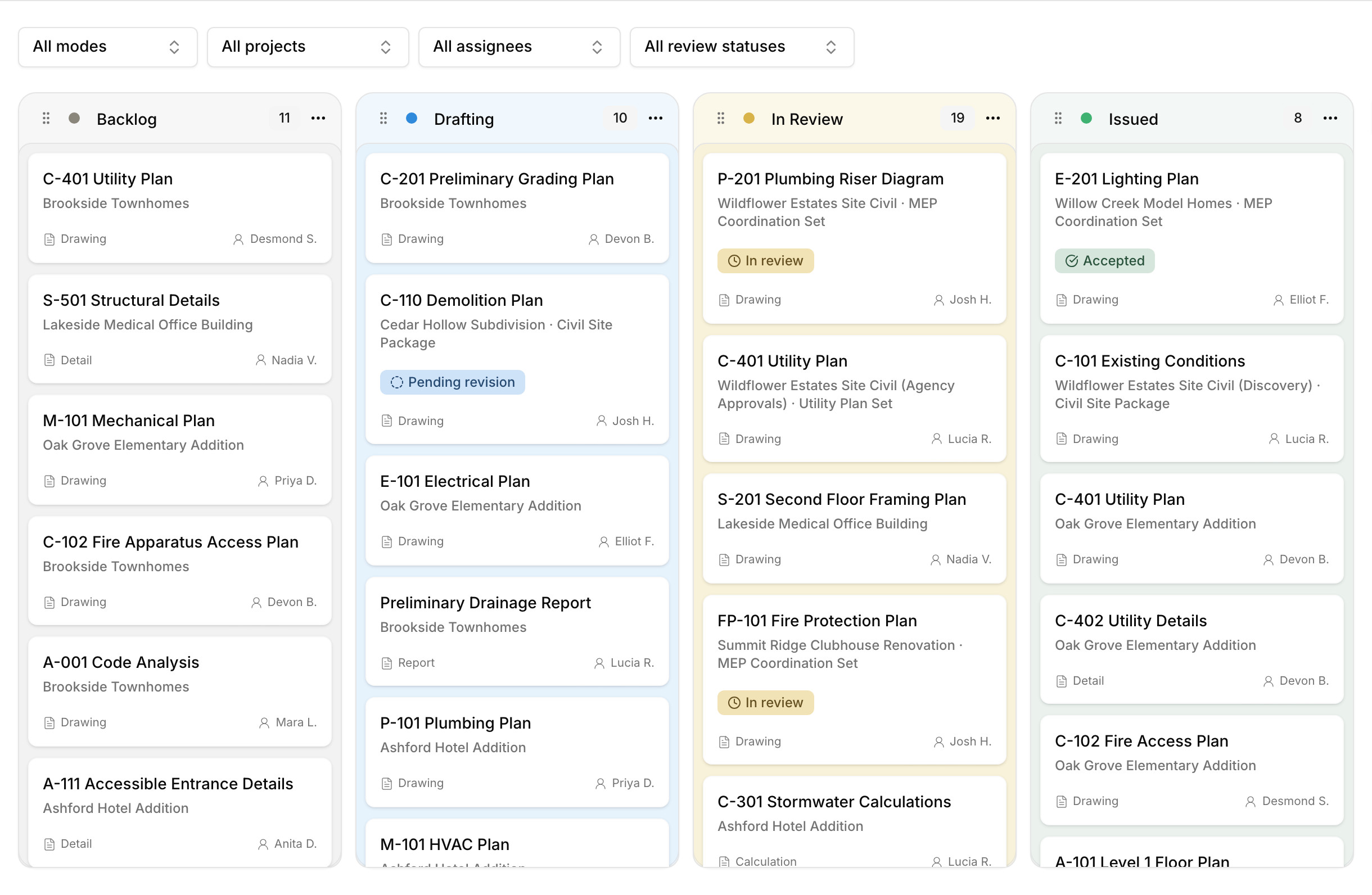
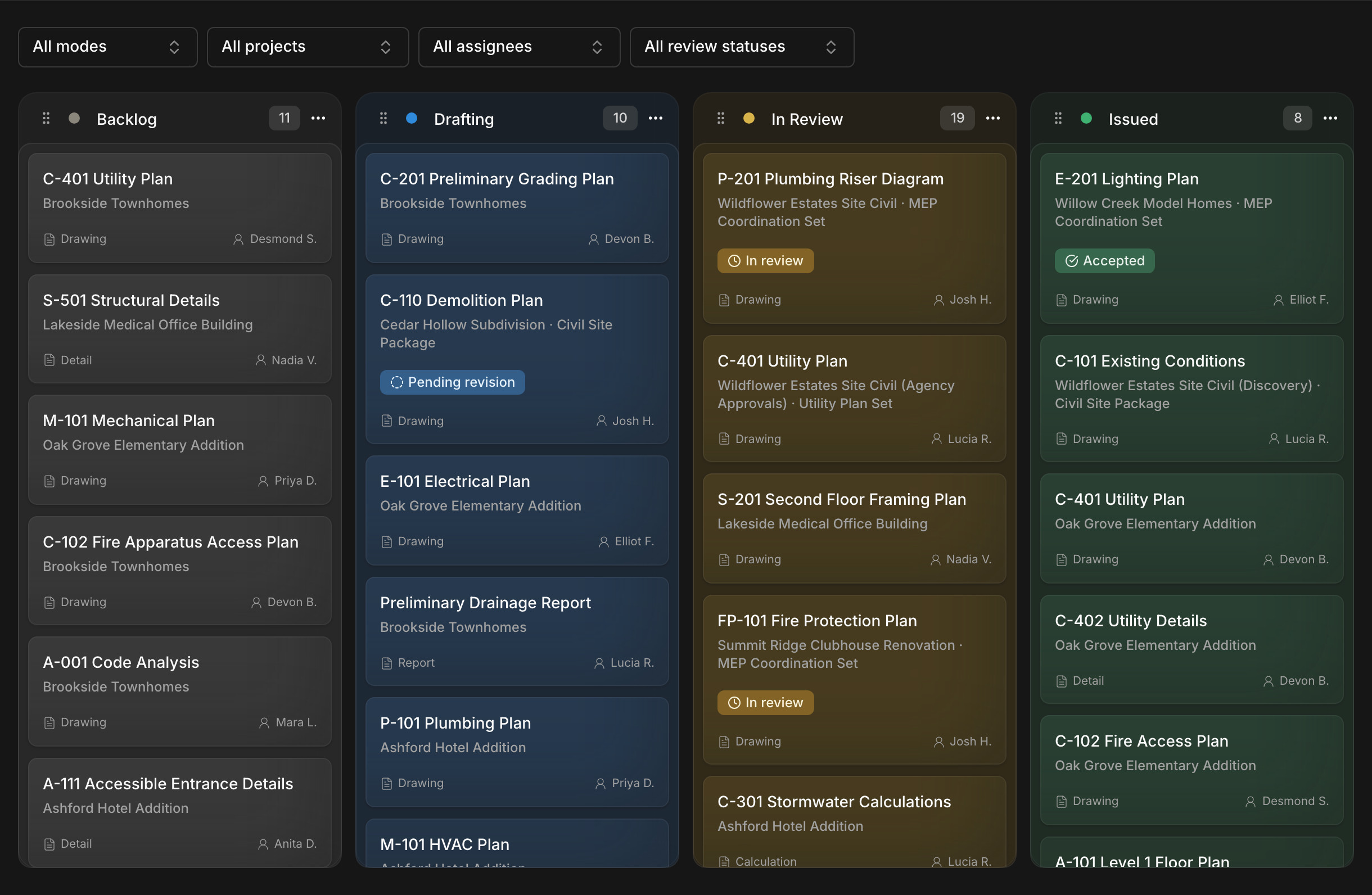
- 1Each card is a document. Open it for its tasks, files, reviews, and history.
- 2Stages with the names and colors your office uses.
- 3Where the document's review stands, such as in review or pending revision.
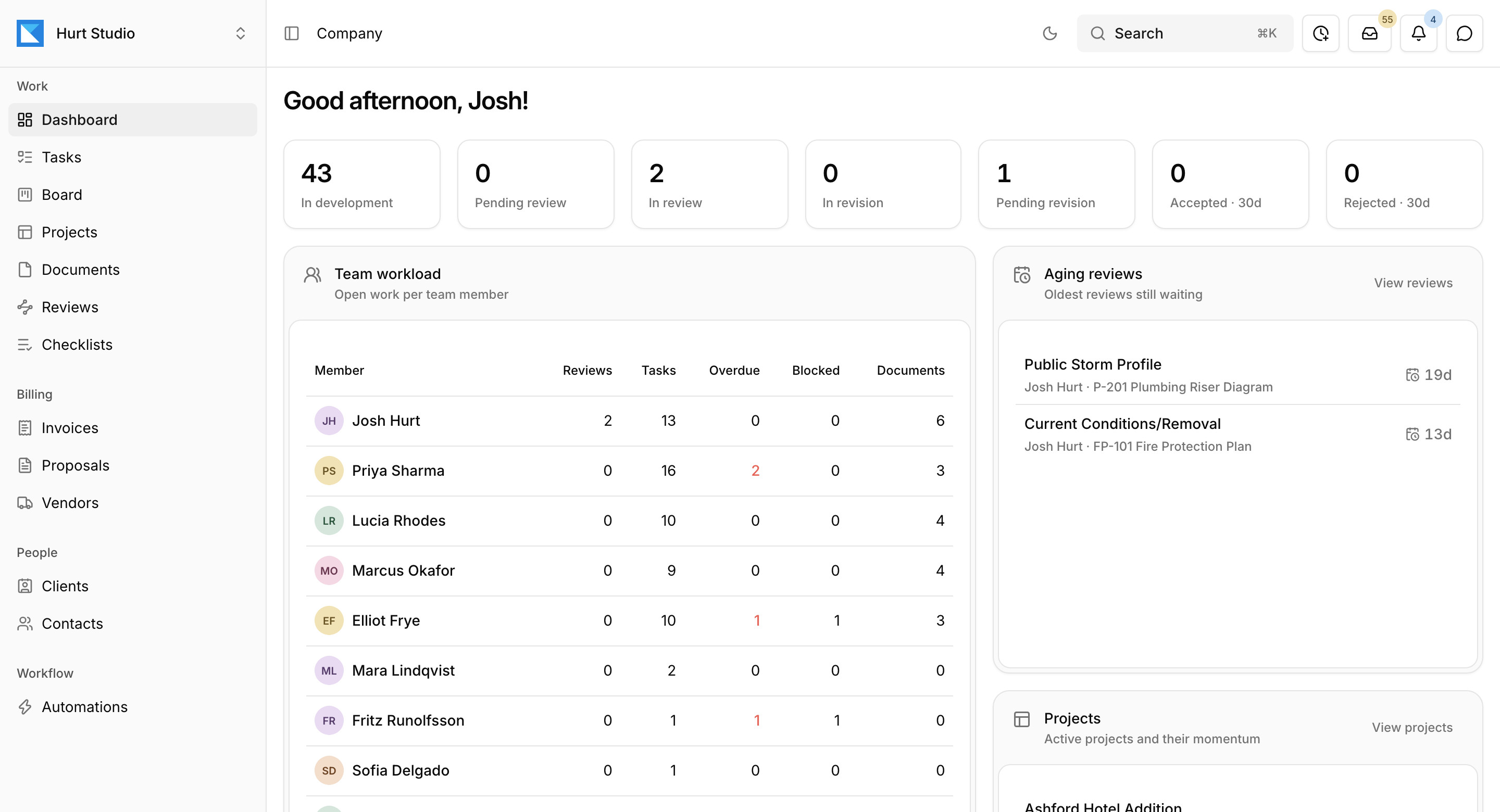
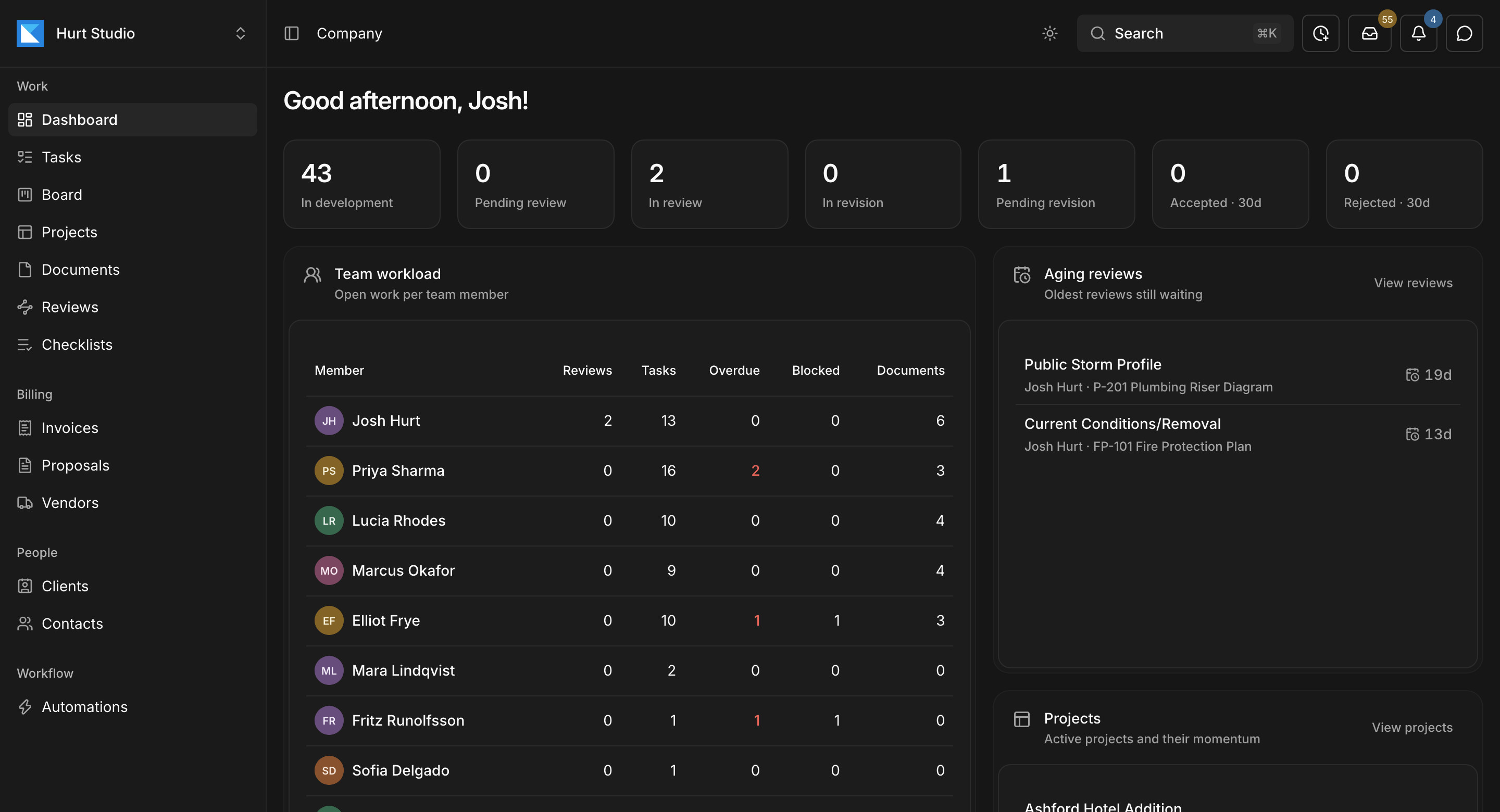
See where every document stands across the firm
The company dashboard counts documents by review status, from in development to accepted, and shows each person's open reviews, tasks, and overdue items.
Email addresses and one inbox
Each project, client, and contact can have its own email address. Imported messages appear in one inbox for the firm and on the project's Communication tab, and the assistant can suggest tasks, comments, or documents from them. Nothing changes until someone on your team applies a suggestion.
Clients and contacts
Common questions
Try Paradesk on a project you're working on now
Set up a project with its contract and phases, invite your team, and give the assistant some of the routine work. Your first 14 days are free, with every feature included.